A "bullet time" shot freezes a moment and moves the camera around it. The film version used a ring of still cameras. This one uses three generated stills and a video model that can be told where a clip must end, not just where it starts. It's a small extension of the media pipeline I wrote about before, and every image and clip here came out of it — requested through this post's own media API, with the prompts and GPU times below.
The idea: sample the orbit, let the video model interpolate
An orbit is a path of camera positions around a fixed scene. Generate a few points on that path as stills, then ask a video model for the motion between neighbouring points:
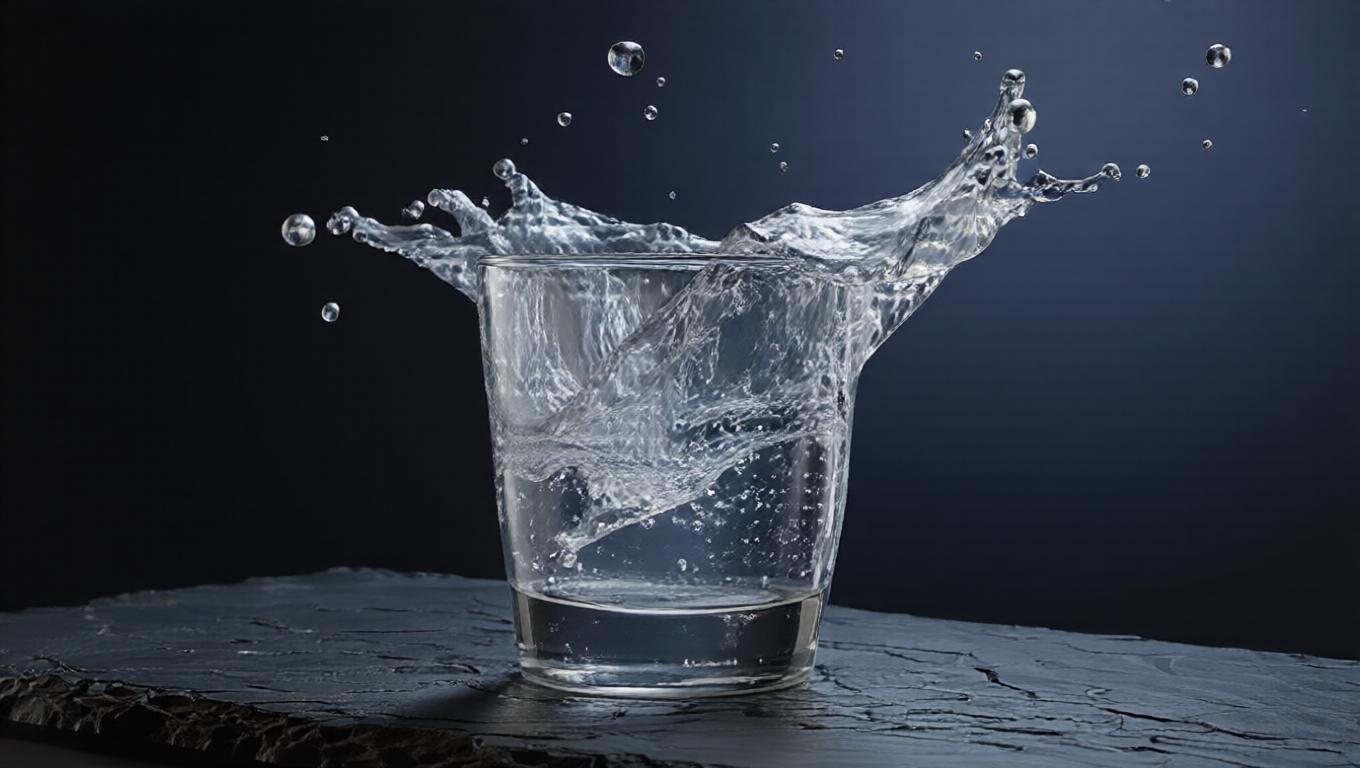
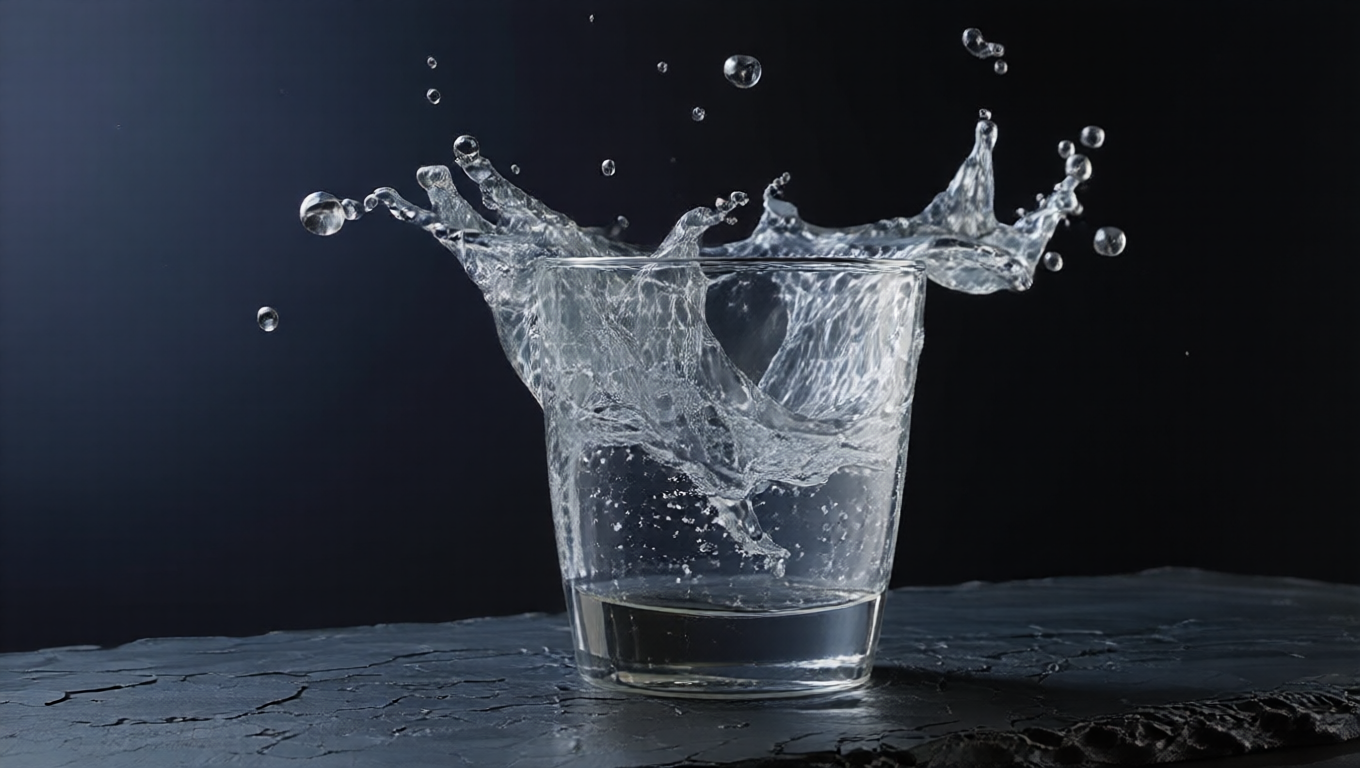
- Points on the path: the action still (front), plus the angle preset — Qwen-Image-Edit with a camera-move LoRA — at 45° right and 45° left.
- Segments: the video preset is Wan 2.2 image-to-video with
WanFirstLastFrameToVideo: the first frame and the last frame are both conditioning inputs, so the clip is pinned at both ends. Right → front, then front → left. - Join: segment 2 starts on the exact frame segment 1 ends on, so the join is continuous by construction.
The still
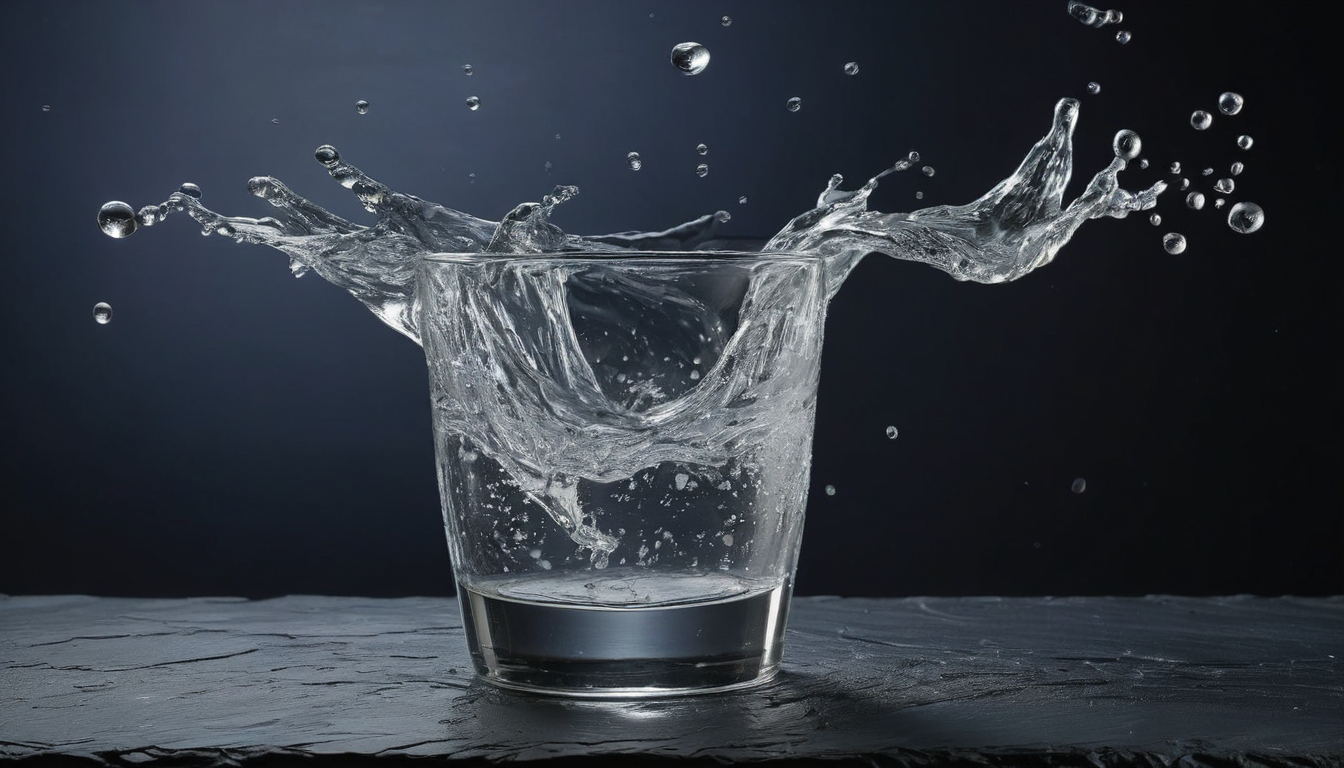
image · 16:9 · 30 s on the GPU
A glass of water tipping over on a dark slate desk, frozen mid-fall, the water suspended in the air in a clear arc with droplets hanging still, deep navy background, crisp high-speed photography, one single glass
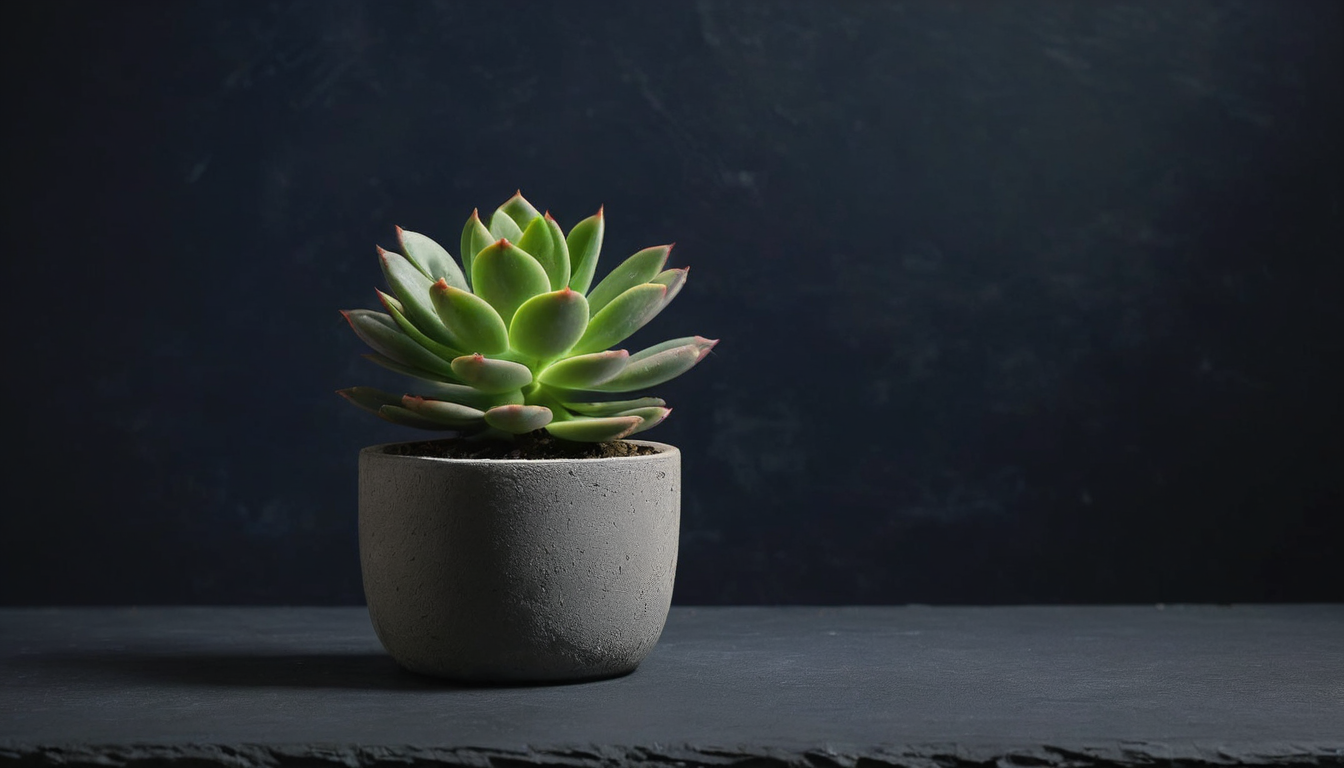
Two more points on the orbit
Two segments
Per-post media grew an end frame for this. The request for segment 1:
POST /admin/editorial/posts/ifcodes/{slug}/media
{"purpose": "inline", "preset": "video", "aspect": "16:9", "frames": 49,
 "source_media_id": "<right-45 still>", "end_media_id": "<front still>",
 "prompt": "Frozen moment: … nothing moves except the camera."}
Both ids resolve to bucket keys server-side; the flow hands them to mediagen/generate as source_key / end_key, and the patcher traces the video node's start_image and end_image inputs back to their loaders — so it doesn't matter which LoadImage node is which in the graph.
video · 16:9 · 49 frames · first + last frame
Frozen moment: the tipping glass, the arc of water and every droplet hang perfectly still in the air while the camera glides smoothly around it. Time is stopped — nothing moves except the camera.
Stitching, on the same box
Joining is a preset too — stitch — so it runs on the GPU box like everything else, requested through the same post-media API with the two clips' media ids and pingpong: true. There is no stored graph: the node count depends on the clips, so the graph is built per request from core ComfyUI nodes only.
- Each clip:
LoadVideo → GetVideoComponents. Every clip after the first goes throughImageFromBatch(batch_index=1)— its first frame is the previous clip's last, so the seam frame is dropped. - The parts are concatenated with
ImageBatchnodes arranged as a balanced tree, not a chain. - Ping-pong needs the sequence reversed, and core ComfyUI has no batch-reverse node. So the reverse pass is one single-frame
ImageFromBatchper frame, fromtotal−2down to1— both turn-around frames are already in the forward pass, and the loop restarts on frame 0 — merged by the same balanced tree. For two 49-frame clips that's 95 slice nodes; nobody sees them, the Go builder writes them. CreateVideoat 16 fps →SaveVideo. Frame counts come from the clips' own jobs, so the request doesn't need them.
Two 49-frame clips come out as 49 + 48 + 95 = 192 frames. A unit test plays the generated graph's node semantics over labelled frames and asserts that exact order — the kind of thing that is easy to get off by one and impossible to spot by eye at 16 fps.
Where it breaks
- The water is redrawn per angle. The camera-move model repaints the scene from each viewpoint, and a splash has no fixed shape to preserve: the arcs and droplets differ between the three stills. First/last-frame pinning then has to morph one splash into another while the camera turns — watch the water reshape in both segments above. The glass and the desk edge carry the orbit; the water doesn't.
- The model doesn't know time is stopped. "Nothing moves except the camera" is a request, not a constraint. Droplets can drift between the pinned first and last frames. There's no negative prompt to lean on either: the lightning-LoRA video preset samples at CFG 1, where negatives are a no-op.
- 45° is a big step. The further apart two stills are, the more the model has to invent in between. More, closer points (every 20–30°) would give a smoother orbit — at one angle render plus one clip per extra point.